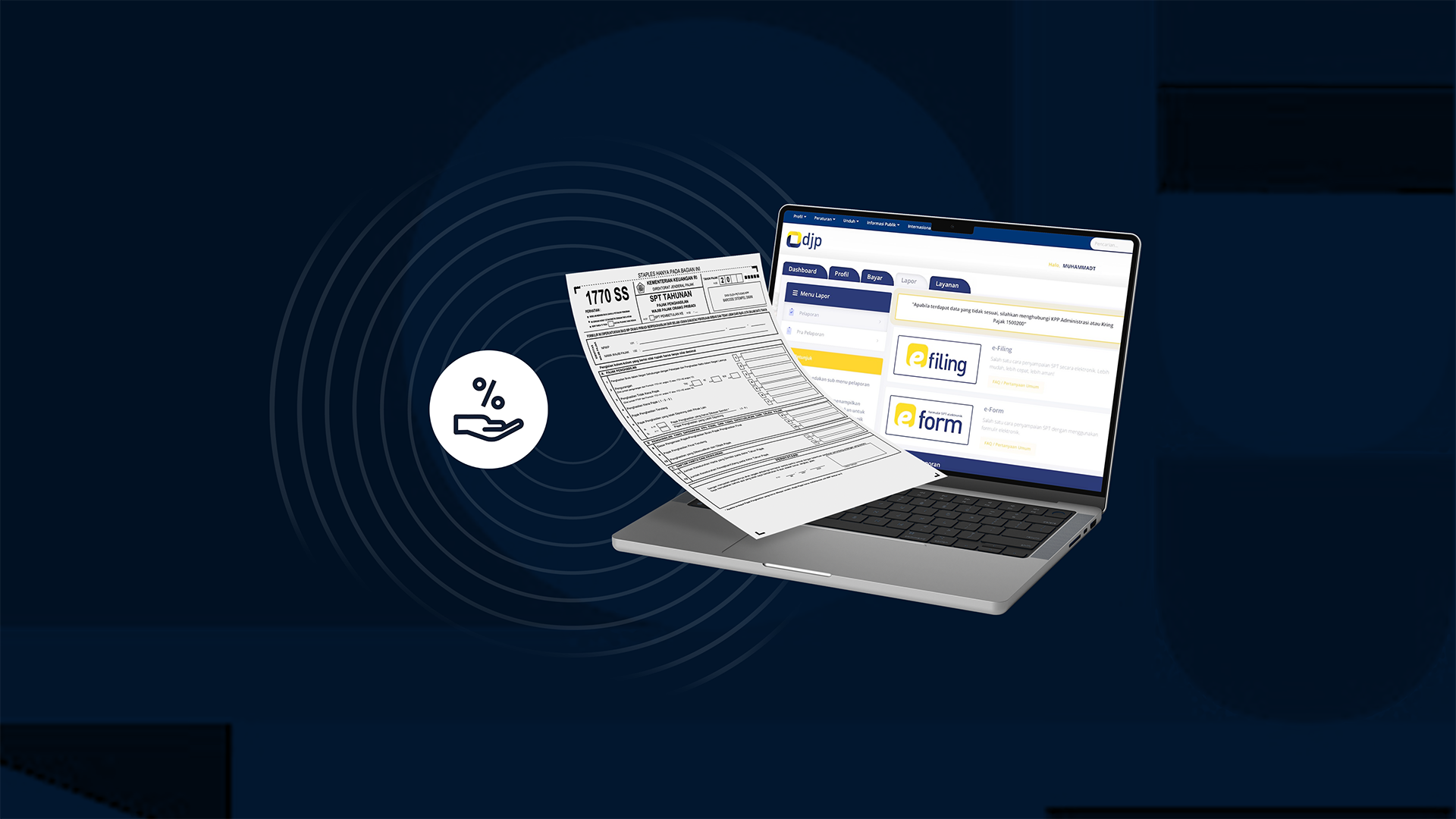
At the beginning of every year, taxpayers are faced with one important task: filing their annual tax return (SPT). The SPT is an official document used to report your income, taxes already withheld, assets, liabilities, and other required information.
Sometimes, because there are many forms to complete, people feel overwhelmed and choose not to file. However, filing an SPT is a mandatory obligation for anyone who already has an NPWP (Tax Identification Number).
Through this article, let’s go step by step—from understanding what an SPT is, which forms to use, and how to complete them.
What Is an Annual Tax Return (SPT)?
An Annual Tax Return (SPT) is a document used by individual or corporate taxpayers to report total income, taxes payable or already paid, as well as assets and liabilities within one tax year.
Through the SPT, the government can determine whether you still owe taxes or are eligible for a tax refund. It also serves as proof that you have fulfilled your tax obligations, which can be important for administrative purposes such as loan applications or financial services.
Not everyone is automatically required to file—this depends on factors such as income level, employment status, and additional sources of income.
You can file your SPT through several channels:
- Coretax (https://djponline.pajak.go.id)
- M-Pajak application
- Tax Office (KPP)
Types of SPT Forms
Before filing, it’s important to know which form applies to you:
- Form 1770 SS: For individuals earning up to IDR 60 million per year and working for one employer
- Form 1770 S: For individuals earning above IDR 60 million or working for multiple employers
- Form 1770: For individuals with a business, freelance work, or multiple income sources
- Form 1771: For corporate taxpayers
Preparation Before Filing SPT via Coretax
With the implementation of Coretax, the process of filing SPT has been updated. If you already have an NPWP, here are the key steps to prepare:
1. Ensure Your NIK and NPWP Are Linked
For individual taxpayers, your NIK (National ID Number) is now used as your tax identity. Even if you already have an older NPWP, make sure your NIK is linked to your 16-digit NPWP.
2. Create or Activate Your Coretax Account
To use Coretax, you must already have an NPWP.
Steps:
- Visit the Coretax website:https://coretaxdjp.pajak.go.id/
- Select Taxpayer Account Activation
For detailed guidance, you can refer to the official DJP guide.
3. Choose Authentication Method: Authorization Code or Electronic Certificate
Coretax provides two authentication methods to secure your SPT submission:
- DJP Authorization Code
- Electronic Certificate (digital signature)
How to obtain them:
- Log in to your Coretax account
- Go to My Portal → Request Authorization Code/Electronic Certificate
- Choose either DJP Authorization Code or a listed PSrE provider
- Check the declaration box and click Save

4. Use Coretax to File Your 2025 SPT
Once everything is set up, you can use Coretax to file your 2025 Annual Tax Return during the reporting period (usually from early in the year until March 31).
7 Steps to File Your Annual SPT in Coretax
- Go to the “SPT (Tax Return)” menu on the Coretax dashboard
- Select “Create Draft SPT”
- Choose the type of SPT form you want to file
- Fill out the form, including:
- Income
- Tax withholdings (if any)
- Assets
- Liabilities
- Other deductions (e.g., zakat or allowable expenses)
Make sure your data matches supporting documents, such as withholding slips (Form 1721 A1/A2).
- Upload supporting documents if required
- Review all data carefully and submit
- Receive your Electronic Receipt (BPE) via email
Now you understand what an Annual Tax Return (SPT) is and how to file it. The reporting period usually opens at the beginning of the year, with deadlines around March or April.
Remember, filing your SPT is not just a routine—it’s your responsibility and contribution as a citizen.
.png)