Since the Directorate General of Taxes (DJP) officially implemented Coretax as Indonesia’s integrated tax administration system, many taxpayers have been adapting to this new way of managing taxes. One of the most frequently searched topics is how to check NPWP in Coretax.
If you were previously used to checking your NPWP through DJP Online or older tax systems, now almost all tax-related services, including taxpayer identification, have been integrated into Coretax. While this integration makes tax data more organized and transparent, it has also raised several common questions:
Is your NPWP still active? Has your NIK automatically become your NPWP? Why isn’t your data appearing in the system?
Baca juga: How to File Your Annual Tax Return (SPT) in Coretax
This article will help you understand how to check your NPWP in Coretax, what each NPWP status means, and what steps to take if you encounter any issues.
What Is NPWP in the Coretax System?
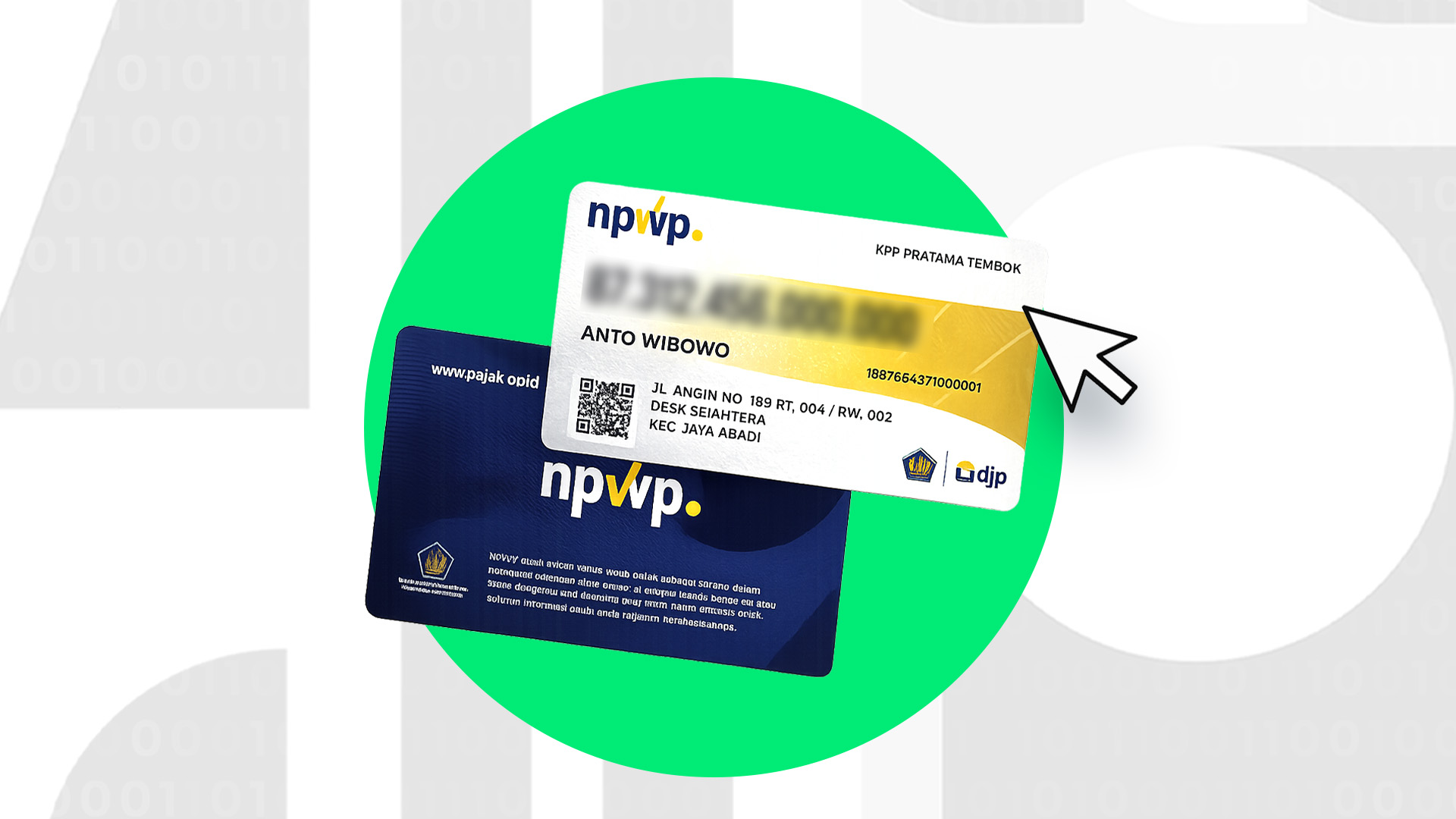
Under Coretax, the NPWP system has undergone a significant change, especially for individual taxpayers. Your NIK (National Identity Number) is now integrated with your NPWP and functions as your taxpayer identification number.
This means that if you are an individual taxpayer, you no longer use a separate NPWP number like before — your NIK now serves as your NPWP.
Baca juga: Coretax: Definition, Benefits, and Key Features
The purpose of this change is simple, but impactful:
- To avoid duplicate records
- To integrate tax and population identity data
- To simplify tax administration in the future
Meanwhile, corporate taxpayers still use NPWP under their business entity. However, all tax-related management, including status, obligations, and tax history, is now centralized within a single Coretax account.
Because everything is integrated, checking your NPWP in Coretax is not only about confirming your tax number exists, but also ensuring that:
- Your identity data is accurate
- Your NPWP status is correct
- Your account is ready for tax reporting and payments
Baca juga: How to File PPN in Coretax: A Complete Guide for Taxable Entrepreneurs
How to Check NPWP in Coretax
This is the section most taxpayers are looking for. Follow these steps carefully.
1. Access the Official Coretax DJP Portal
First, open the official Coretax website at coretaxdjp.pajak.go.id using your browser, either on a laptop or mobile device.
Make sure you are accessing the official DJP website and not links from unknown sources, since you will be logging in using personal information.
2. Log In to Your Coretax Account
Log in using your Coretax account credentials.
- Individual taxpayers generally log in using their NIK
- Corporate taxpayers log in through an authorized representative or PIC account
Baca juga: Coretax Guide: Everything Taxpayers Need to Know
If you have never logged in before, you may need to activate your account first.
3. Open the Taxpayer Profile Menu
After successfully logging in, look for the menu labeled “Taxpayer Profile” or “My Portal.”
This section displays all of your tax identity information within the Coretax system.
This menu acts as the central hub for your taxpayer data.
Check Your NPWP / NIK Details
Inside your profile page, you will be able to see:
- NPWP or NIK number
- Taxpayer name
- Taxpayer type (Individual or Corporate)
- NPWP status
Baca juga: Types of Taxes and the Convenience of the Coretax System
Make sure your identity information is correct. Even small discrepancies should be addressed immediately to avoid future issues.
5. Save the Information for Your Records
If you need your NPWP information for administrative purposes — such as employment, banking, or tax reporting — save the information as a reference.
This simple step can be very helpful if you need to clarify your tax data later on.
Common Issues and How to Solve Them
If you encounter problems while checking your NPWP in Coretax, don’t worry — you are not alone. Some of the most common issues include:
- NPWP or NIK Not Found
This usually happens because your old NPWP data has not yet been matched with your NIK.
Solution: Update your taxpayer data or contact the tax office (KPP) where you are registered.
Baca juga: Coretax Impersonation: Definition, How It Works, and Security Tips
- Unable to Log In to Coretax
This may occur if your account has not been activated or there is an authentication issue.
Make sure your email and personal data are correct, then reset your account credentials if necessary.
- Incorrect Identity Information
For example, your name or address may appear differently in the system.
This should be corrected as soon as possible to avoid problems during annual tax reporting (SPT filing).
By identifying these issues early, you can prevent bigger complications during tax reporting or payment processes.
Understanding NPWP Status in Coretax
When you successfully check your NPWP in Coretax, you may see several different status labels. Here’s what they mean:
- Active
Your NPWP can be used normally for tax reporting and tax payments.
Baca juga: Simulator Coretax: Panduan Pengisian dan Contoh Penggunaan
- Inactive / Non-Effective
This status usually appears due to specific applications or certain taxpayer conditions. Tax obligations may differ while this status is active.
- Not Yet Validated/Not Yet Synchronized
This indicates that your data still needs to be synchronized, especially between your NIK and old NPWP data. - Not Found
This may mean your data has not been registered yet or there was an input error.
Understanding these statuses is important so you can avoid misunderstandings. Don’t assume your NPWP is fully ready to use if the status is still not synchronized.
Checking your NPWP in Coretax, understanding each status, and recognizing potential issues will help you navigate Indonesia’s new tax administration system more confidently. Coretax introduces many changes, but once you understand how it works, managing your taxes can become more organized, efficient, and easier to control.
.png)