Email remains one of the most commonly used communication tools when sharing documents—whether for work, education, or personal matters. It is considered both practical and formal, making it ideal for sending important files.
But have you ever wondered: are the files you send via email truly secure?
While not always the case, many cyberattacks actually originate from documents sent and received through email. So, how can you send files safely and avoid data leaks? Here’s what you need to know.
Easy Ways to Send Files via Email
Here are the general steps for sending files via email across different platforms:
1. Sending Files via Gmail
- Open Gmail
- Click Compose to create a new email
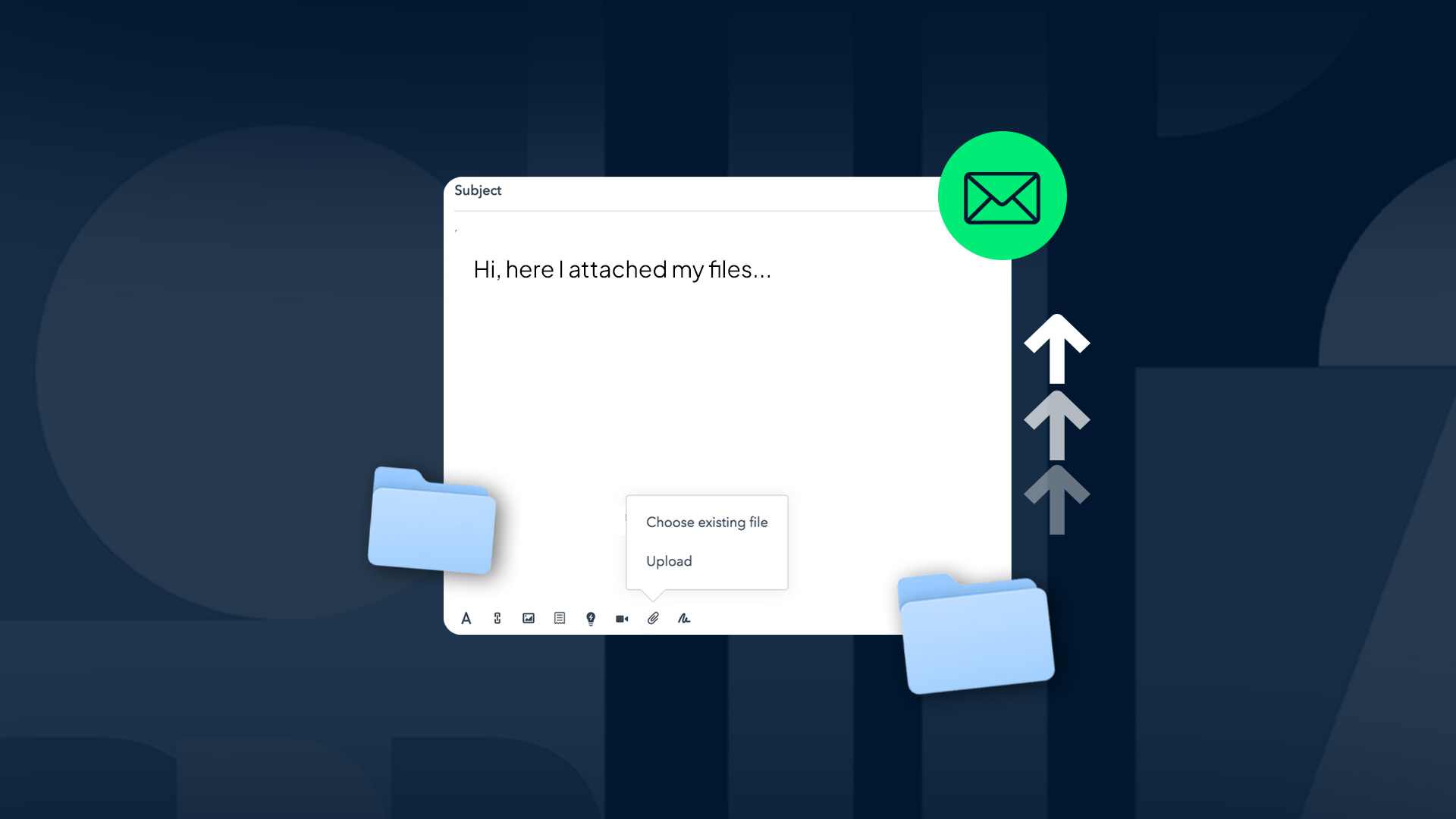
- Click the attachment (paperclip) icon
- Select the file you want to send (PDF, DOC, images, etc.)
- Click Send
2. Sending Files via Outlook
- Log in to your Outlook account
- Click New Mail
- Click Attach > Browse this computer
- Select the file → click Send
3. Sending Files via Mobile (Phone)
- Open an email app like Gmail on Android or iOS
- Compose a new message → tap the attachment icon
- Select a file from your gallery or file manager
- Send as usual
If you want to send multiple files at once, you can compress them into a ZIP folder before attaching.
4. Using Cloud Storage
Cloud storage is a modern solution that makes it easier to send large files without worrying about email size limits or compression.
Popular platforms include Google Drive, as well as alternatives like Dropbox, OneDrive, and iCloud.
How to Send Files via Email Using Google Drive:
- Log in to your Google Drive account
- Click New → File upload
- Upload the file from your computer
- Right-click the uploaded file and select Share
- Enter the recipient’s email address, or click Copy link to share manually
- Open Gmail (or another email service) and paste the link into your email
Is Sending Files via Email Safe?
It can be safe—or not—depending on how careful you are. There are always risks, but that doesn’t mean you should avoid using email altogether.
Here are some risks if you’re not careful:
1. Emails Can Be Intercepted
Email interception (man-in-the-middle attacks or MITM) can occur when emails are sent without encryption. Attackers can position themselves between the sender and receiver to read—or even alter—the message.
2. Email Accounts Can Be Hacked
You’ve probably seen prompts to enable two-factor authentication (2FA). It’s extremely important. Without 2FA, your email account can be easily compromised. Imagine sensitive documents like your ID card, tax ID, or legal files falling into the wrong hands.
3. Files Can Be Misused for Fraud
According to a VIDA whitepaper, identity theft is one of the most dangerous threats today. Documents such as ID cards, selfies, and official letters that are freely shared can be exploited to create fake accounts or access financial data.
How to Send Files via Email Securely
Here are some key tips to help you send files safely:
1. Use Password-Protected Files (PDF or Archive)
Before attaching a file, convert it into a single file format (such as ZIP or PDF) and protect it with a password.
For example, tools like Adobe Acrobat allow you to encrypt PDFs with a password. This ensures that even if the file is accessed by unauthorized parties, they won’t be able to open it without the password.
2. Restrict Access and Verify Recipients
Always make sure the file is sent only to the intended recipient.
Avoid using CC/BCC widely for sensitive documents.
If you’re sharing via a link (e.g., cloud storage), set permissions to “Only me” or “Specific recipients”, not “Anyone with the link.”
You can also enable additional protections such as:
- Link expiration
- View-only or no-download access
These steps are especially important for sensitive documents like contracts, financial reports, client data, or personal identification.
Sending files via email securely involves different levels of protection depending on your needs. Always stay cautious when sending or receiving emails to minimize the risk of data breaches.
.png)