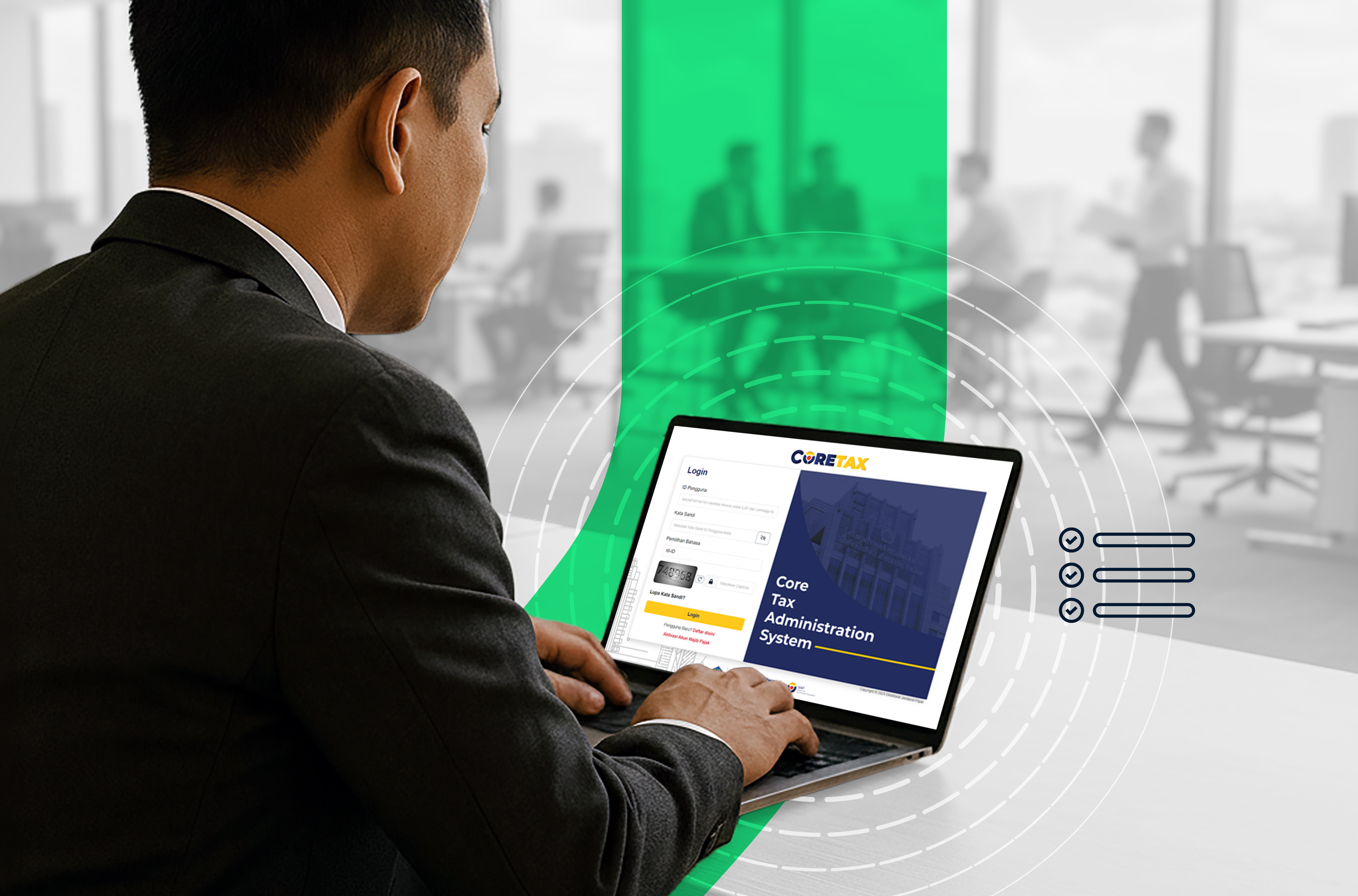
Since January 2025, Indonesia’s tax system has entered a new era with the introduction of Coretax—a fully integrated digital tax administration system from the Directorate General of Taxes (DJP).
Coretax is designed to simplify tax services, consolidate all functions into one platform, and make tax services fully accessible online. This article serves as a complete guide to help you get started with Coretax for the 2025 tax year.
Understanding Coretax Features
Coretax (short for Core Tax Administration System) is DJP’s new system that replaces and integrates various legacy applications such as e-Faktur, e-Billing, DJP Online, and other separate services.
The system is built to streamline tax processes and provide all services within a single integrated dashboard.
While many people think Coretax is only for filing SPT, it actually offers a wide range of features suitable for both individual and corporate taxpayers. Here are the key features:
1. Taxpayer Registration & Management
With Coretax, new taxpayers can easily register for NPWP or activate their account using NIK or a 16-digit NPWP.
Existing taxpayers can update their personal information (address, identity, contact details) without visiting a Tax Office (KPP).
For businesses, Coretax supports entity management, including head office and branch structures through an integrated identification system. Branches no longer use separate NPWPs but instead use the Business Activity Location Identification Number (NITKU).
2. e-Faktur (Electronic Tax Invoice) & e-Invoice
For companies or taxable entrepreneurs (PKP), Coretax provides a built-in feature for creating electronic tax invoices—eliminating the need for separate applications.
3. Tax Reporting (Annual & Periodic SPT)
Both Annual and Periodic SPT can now be filed directly through Coretax.
Tax data such as withholding slips, deductions, income, assets, and liabilities can be entered or uploaded directly.
Automatic validation helps reduce input errors, and Coretax also sends reminders before filing deadlines.
4. Tax Payments & Billing Codes
Coretax automatically generates billing codes for taxes due, whether monthly, periodic, or underpaid SPT.
For businesses, the deposit feature allows advance payments and helps avoid administrative penalties for late payments.
5. Taxpayer Account Management & Taxpayer Ledger
Coretax includes a ledger feature that records all tax activities, such as payments, liabilities, filings, SPT status, and service history.
Taxpayers can track outstanding tax liabilities, compliance status, and payment history—helping avoid penalties or administrative errors.
6. Digital Administrative Services
Coretax also provides access to various tax administrative services, including:
- Tax refunds (restitution)
- Data corrections
- Objections and appeals
- Submission of supporting documents
All can be done online without visiting a tax office.
Coretax Guide for Beginners
If you’re new to Coretax, here’s a simple guide to get started:
1. Activate Your Coretax Account
Before using any Coretax services, you need an active account. For individual taxpayers, NIK is now used as the tax identity.
Prepare:
- NIK or NPWP
- Active email and phone number
2. Choose Authentication Method: Authorization Code or Electronic Certificate
Coretax offers two authentication methods:
DJP Authorization Code
- Suitable for individual taxpayers
- Can be used for filing SPT, paying taxes, and e-Filing
- Only valid within the Coretax system
Documents signed using this method are not legally valid outside Coretax.
Certified Electronic Certificate (Digital Signature)
- Issued by authorized providers such as VIDA
- Suitable for both individuals and especially corporate taxpayers
- Required for issuing electronic tax invoices (e-Faktur)
- Legally valid both inside and outside Coretax
3. Use Integrated Features for All Tax Services
Coretax replaces multiple legacy systems with one platform. You can:
- Register NPWP or activate NIK
- File Annual and Periodic SPT
- Generate and pay e-Billing
- Create e-Faktur
- Receive notifications and official correspondence from DJP
4. Monitor Tax Activity via Taxpayer Ledger
The ledger acts as a centralized record where you can view:
- Total tax liabilities and payment status
- Filed SPT history
- Administrative requests (e.g., objections, reductions)
- Supporting documents like invoices and payment proofs
This feature is especially useful for businesses to maintain organized records.
5. Submit Administrative Requests Online
Coretax allows you to handle tax administration digitally, including:
- Tax refunds (restitution)
- Administrative penalty reductions
- Data or document corrections
- Appeals
Why Does Coretax Include Electronic Certificates?
Taxpayers can choose between authorization codes and electronic certificates. While authorization codes can be generated directly in Coretax, electronic certificates must first be obtained from a PSrE provider and then integrated into the system.
So why are electronic certificates still important?
1. Certified and Legally Recognized
- Electronic Certificates (Certified):
Issued by authorized PSrE providers recognized by Kominfo.
Offer the highest level of security and legal validity, equivalent to handwritten signatures under Indonesian law. - DJP Authorization Code (Non-Certified):
Issued internally by DJP for tax purposes only.
Valid within Coretax but not for external legal use.
2. Broader Use Cases
- Electronic Certificates:
Can be used not only for tax-related transactions but also for other digital services outside Coretax. - Authorization Codes:
Limited to transactions within the DJP system only.
In summary, electronic certificates are maintained in Coretax to provide greater flexibility, higher security, and broader legal validity—especially for taxpayers who need digital signatures beyond tax-related activities.
.png)