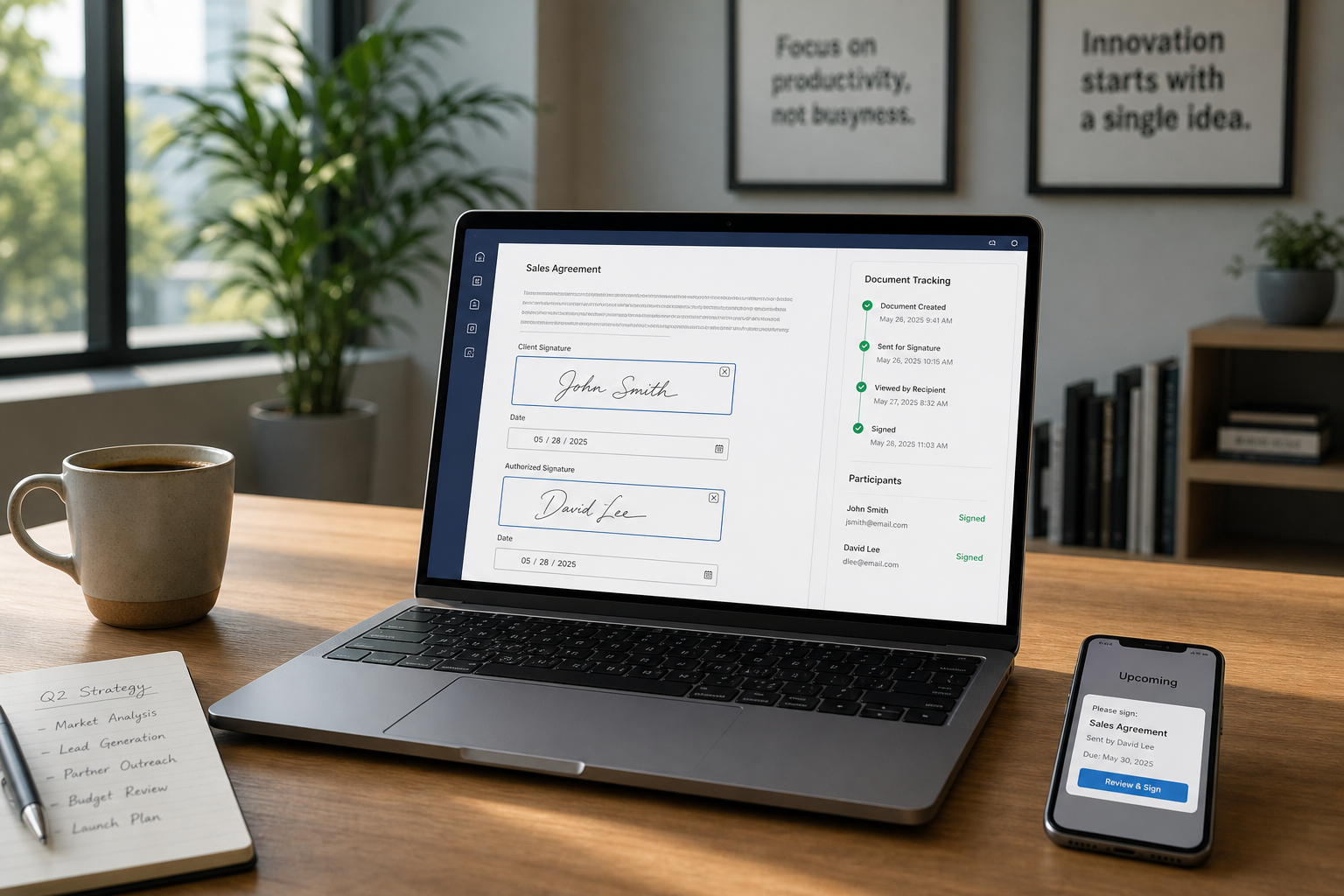
With the latest update, users in Malaysia can now access our e-Sign directly on the web, enabling a simple and secure way to sign documents online.
Did you know? Different countries have different regulatory requirements for digital signatures. A signing method that is valid in one jurisdiction may not meet compliance standards in another. In Malaysia, VIDA now ensures that documents remain legally valid while the signing experience stays simple and consistent for users.
What This Means for Our Users
For New Users in Malaysia: Great news! e-Sign is now available for you
When you start using the web platform, the system automatically applies the features that are compatible with Malaysia’s regulatory requirements. This means you can start sending and signing documents digitally right away without additional configuration.
For Existing Users
If you need to change your region, you can easily switch it in your Settings. Changing your region ensures that your signing experience complies with the local regulations and requirements of the country you are currently in.
For example, if an existing user relocates to Malaysia, switching the region allows them to follow Malaysia’s regulatory requirements and access the correct signing capabilities for that market. You may have changed regions previously. Simply switch your region back from Settings, and the appropriate signing features will be restored.
How to Sign a Document
Signing a document on the web takes onIy a few steps.
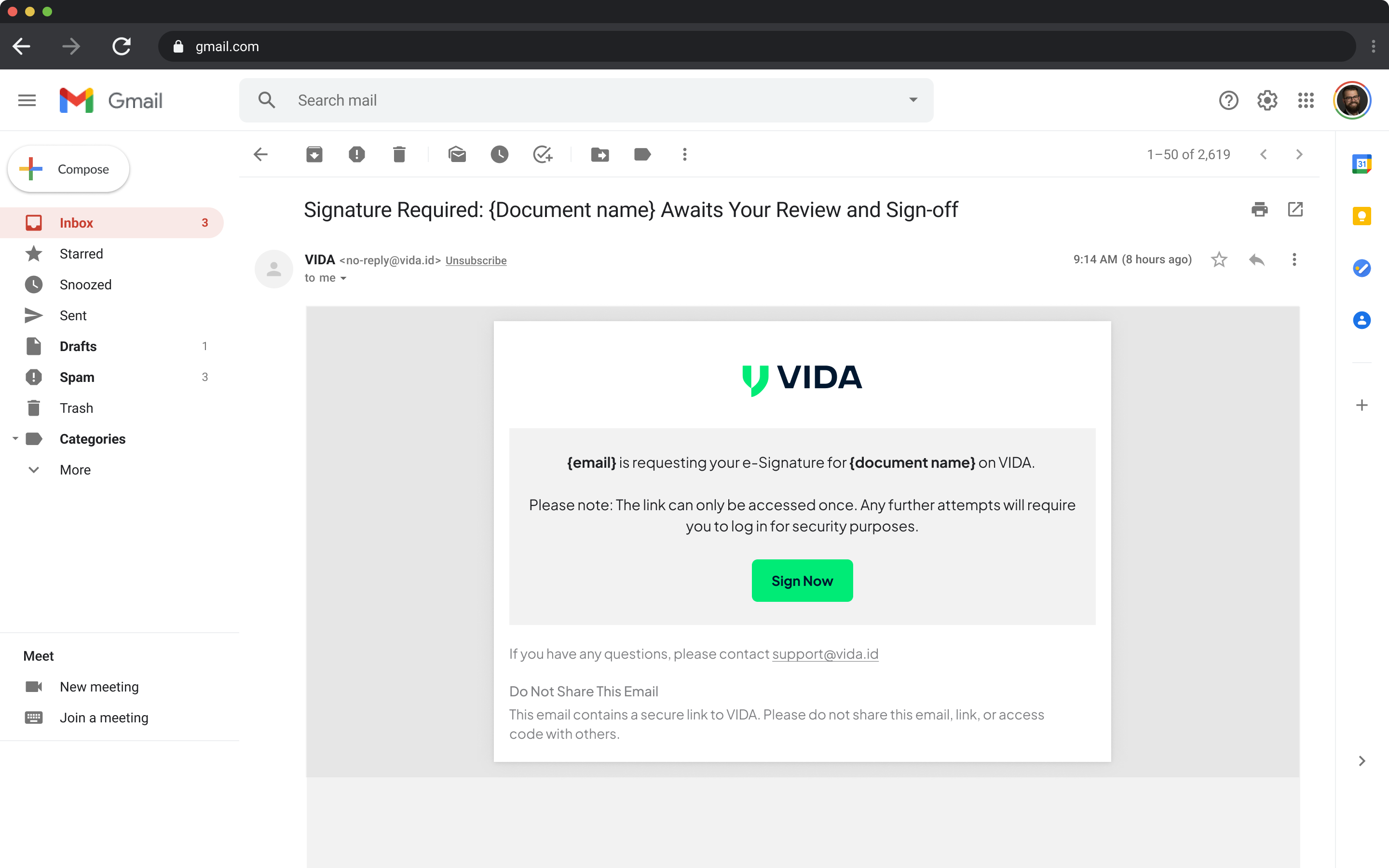
Step 1 – Receive a Signing Email
When a document is ready for you to sign, you will receive an email notification from the sender. Click the link in the email to begin the signing process.
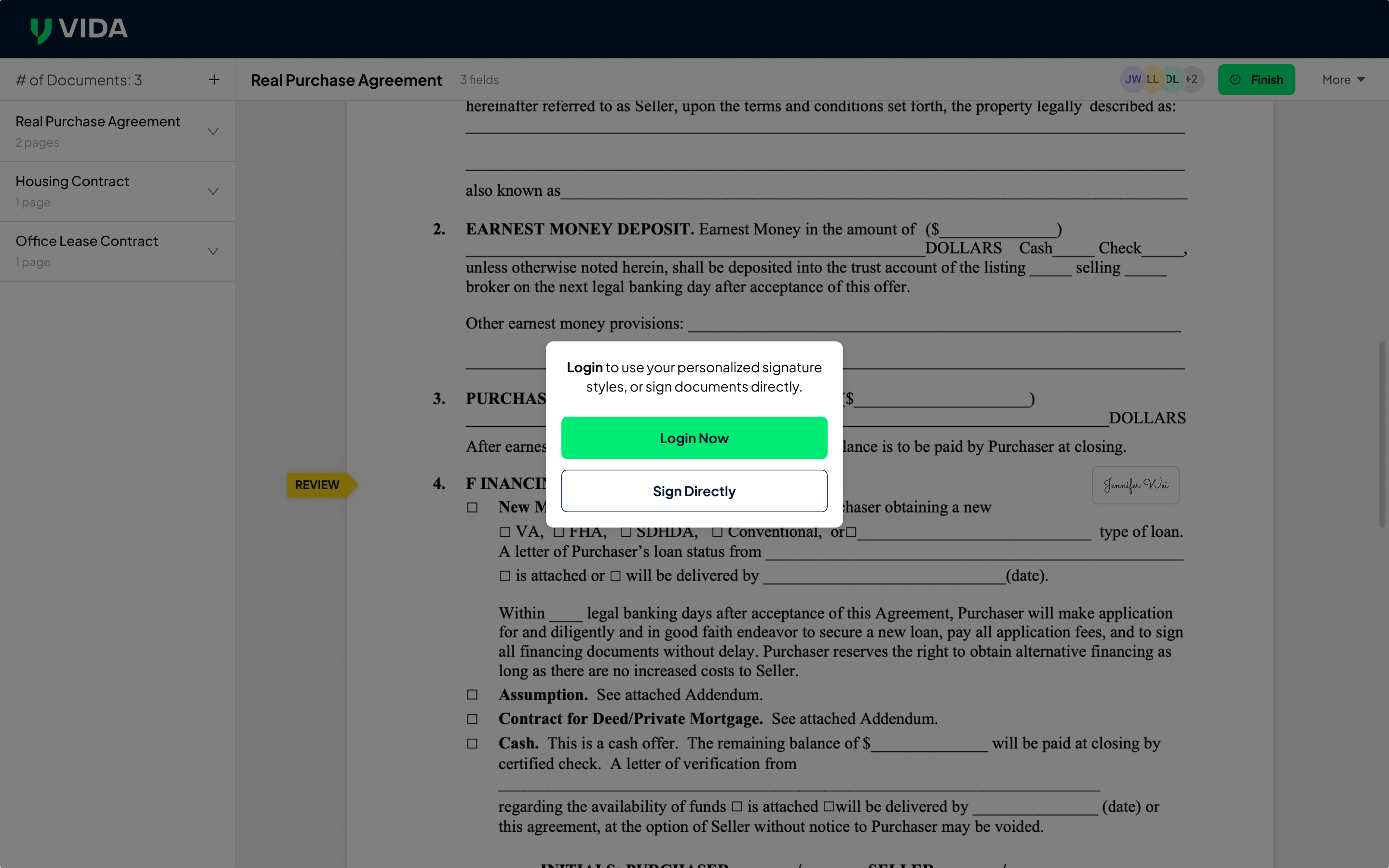
Step 2 – Choose to Sign or Log In
You can either proceed directly with signing or select Log In Now if you prefer to sign after accessing your account.
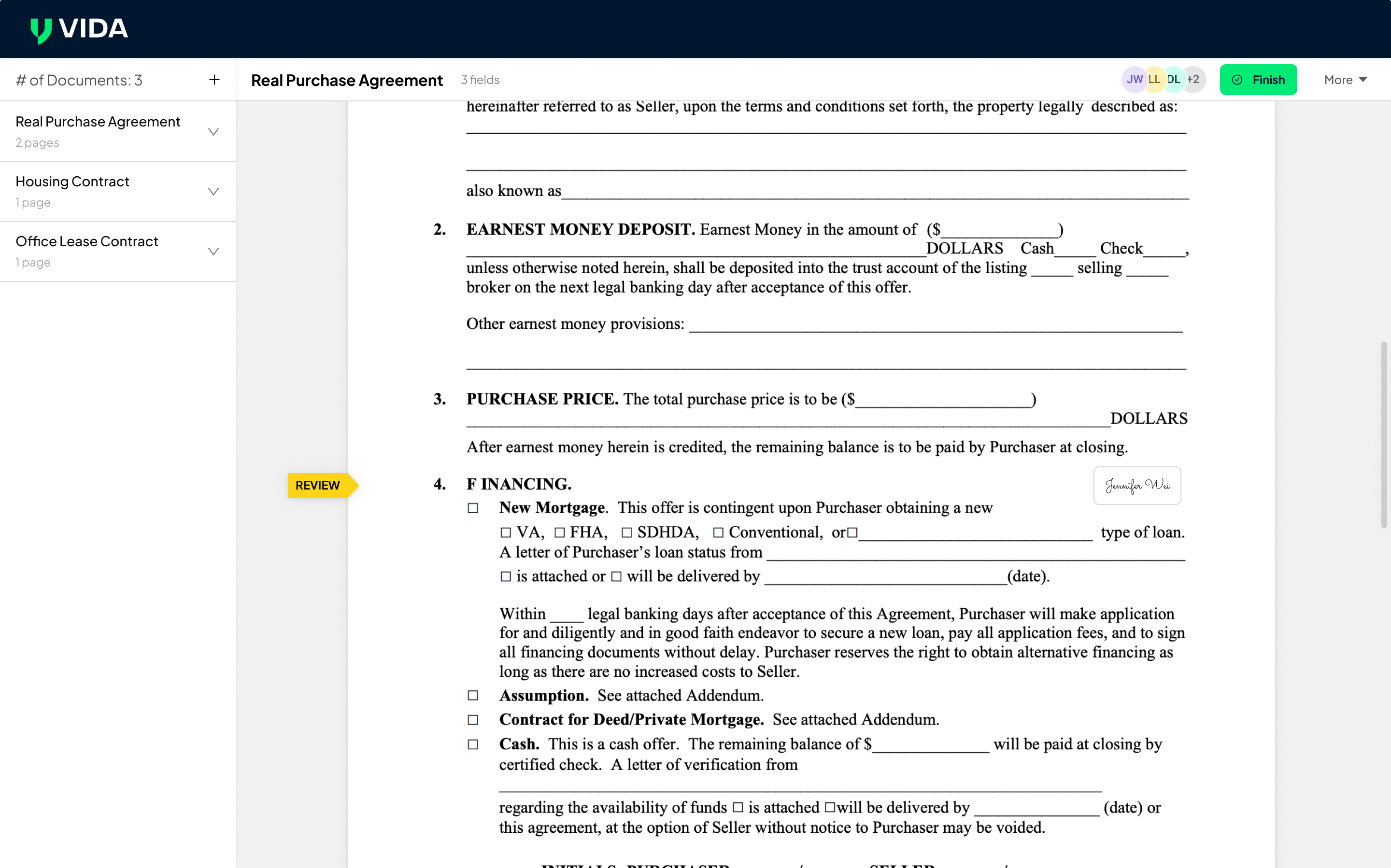
Step 3 – Preview the Document
The document will open in the signing view. Take a moment to review the contents.
Once everything looks correct, click Finish to proceed with signing.
Step 4 – Verify with Email OTP
Before the signature is finalized, you will be asked to verify your identity using a One-Time Password (OTP) sent to your email.
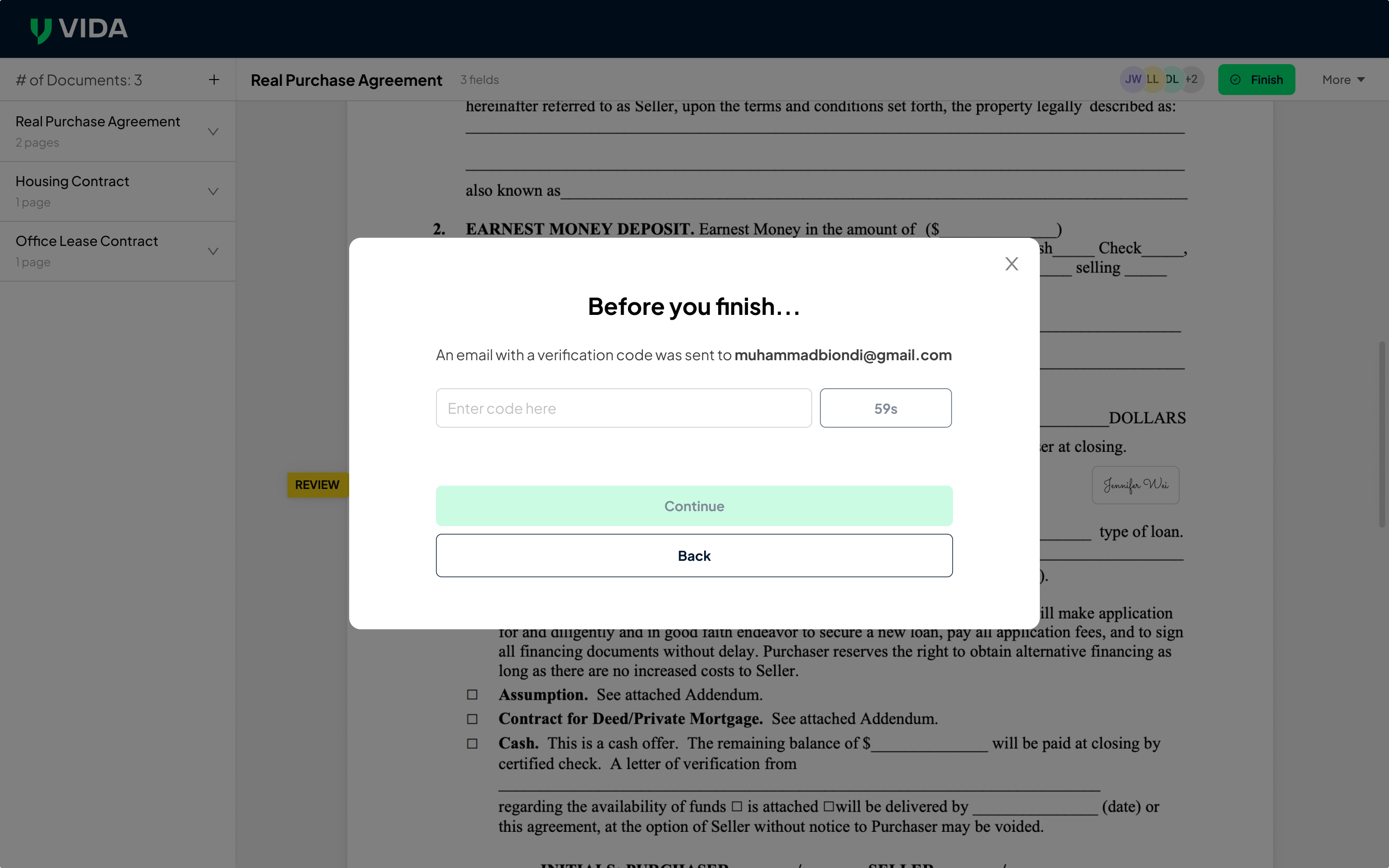
Step 5 – Enter the OTP
Check your email inbox for the OTP and enter the code in the verification field.
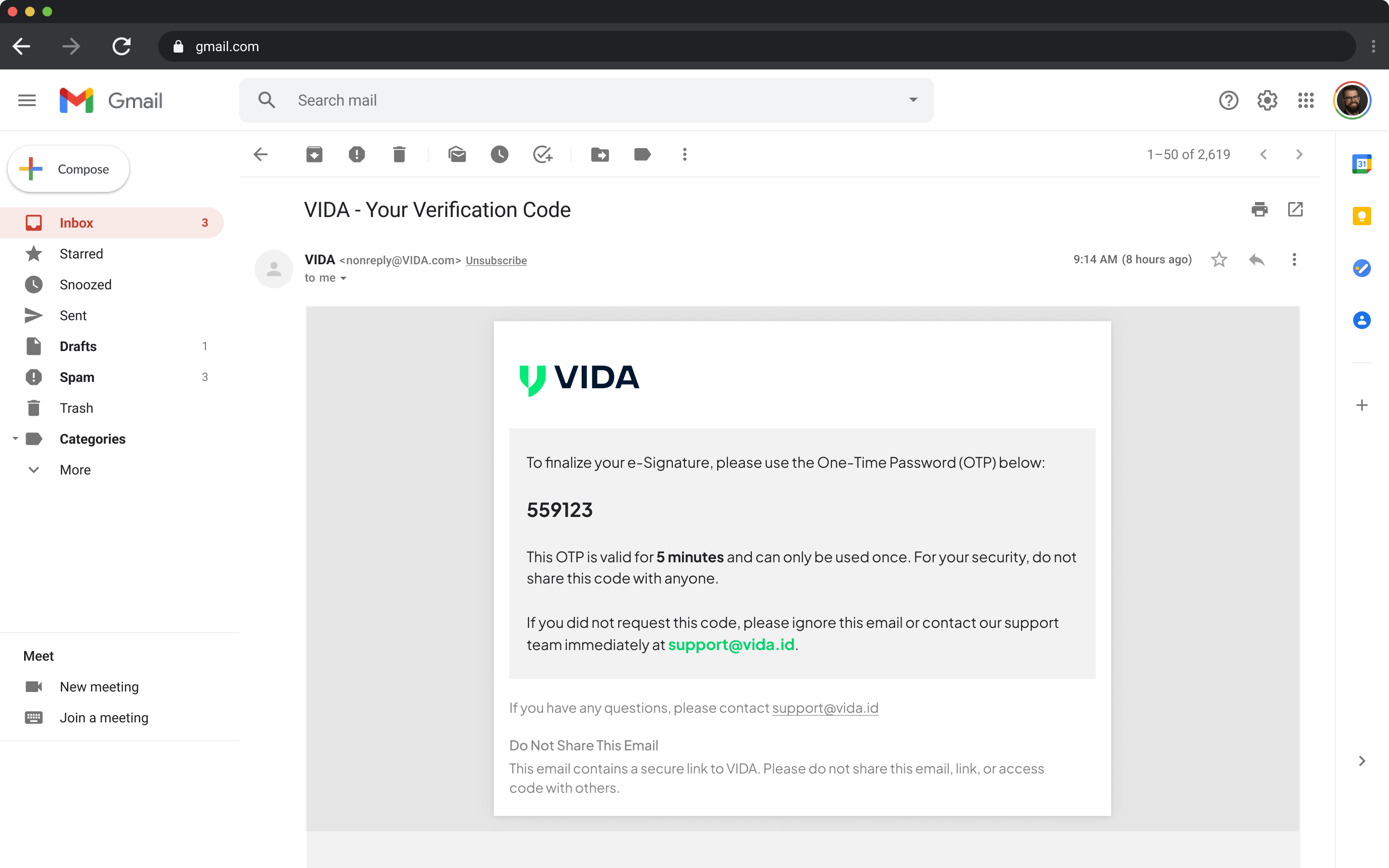
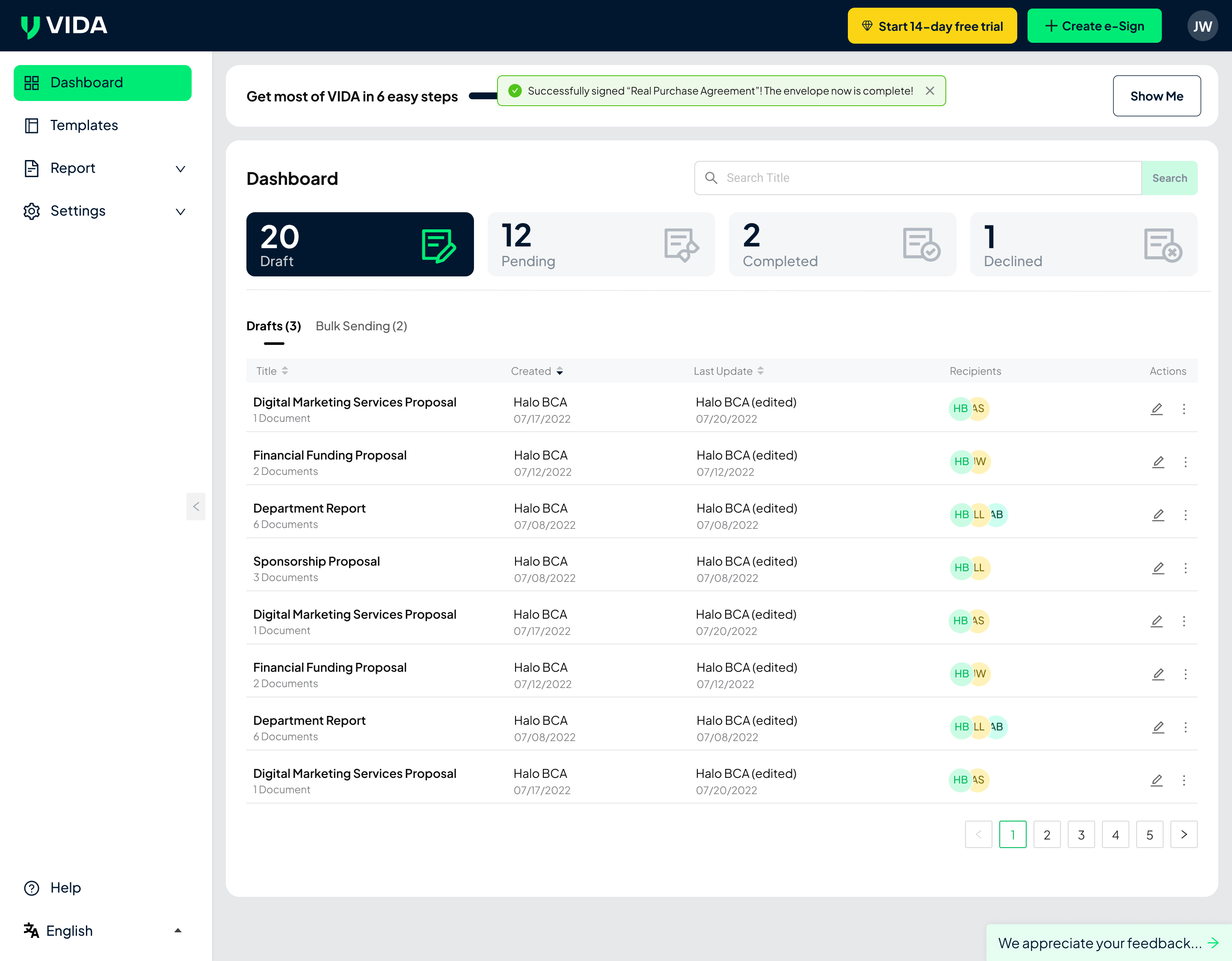
Step 6 – Signing Completed
Once the OTP is verified, your signature will be applied, and the document will be completed. Each signed document includes a tamper-proof audit trail and certificate of completion to ensure document integrity and legal assurance.
How to Change Your Region
If you need to update your region settings, you can do so from your personal profile.
Step 1 – Open Personal Profile
Navigate to Personal Profile, then click Manage in the Region & Language section.
Step 2 – Select Your Region
Choose the region you want to switch to and click Save Changes.
Note: Clicking cancel or leaving the page before saving will not apply any changes.
Step 3 – Confirm the Update
A prompt will appear showing the set of features available in the selected region.
Click Yes, Continue to confirm. The platform will then update your available features and workflows according to the selected region.
A Simpler and Compliant Signing Experience
By automatically aligning features with regional requirements, the platform ensures that:
- Signing workflows follow local regulations
- Users only see relevant features
- Cross-region usage remains consistent
- Documents remain legally valid
This approach helps deliver a secure, compliant, and seamless digital signing experience on the web. What are you waiting for? Try now.
.png)